
Learning spaces & AV
Technology Furniture for Flexible Learning Spaces
A research-informed framework for lecturer stations that support active learning, fast room changes and reliable AV operation.
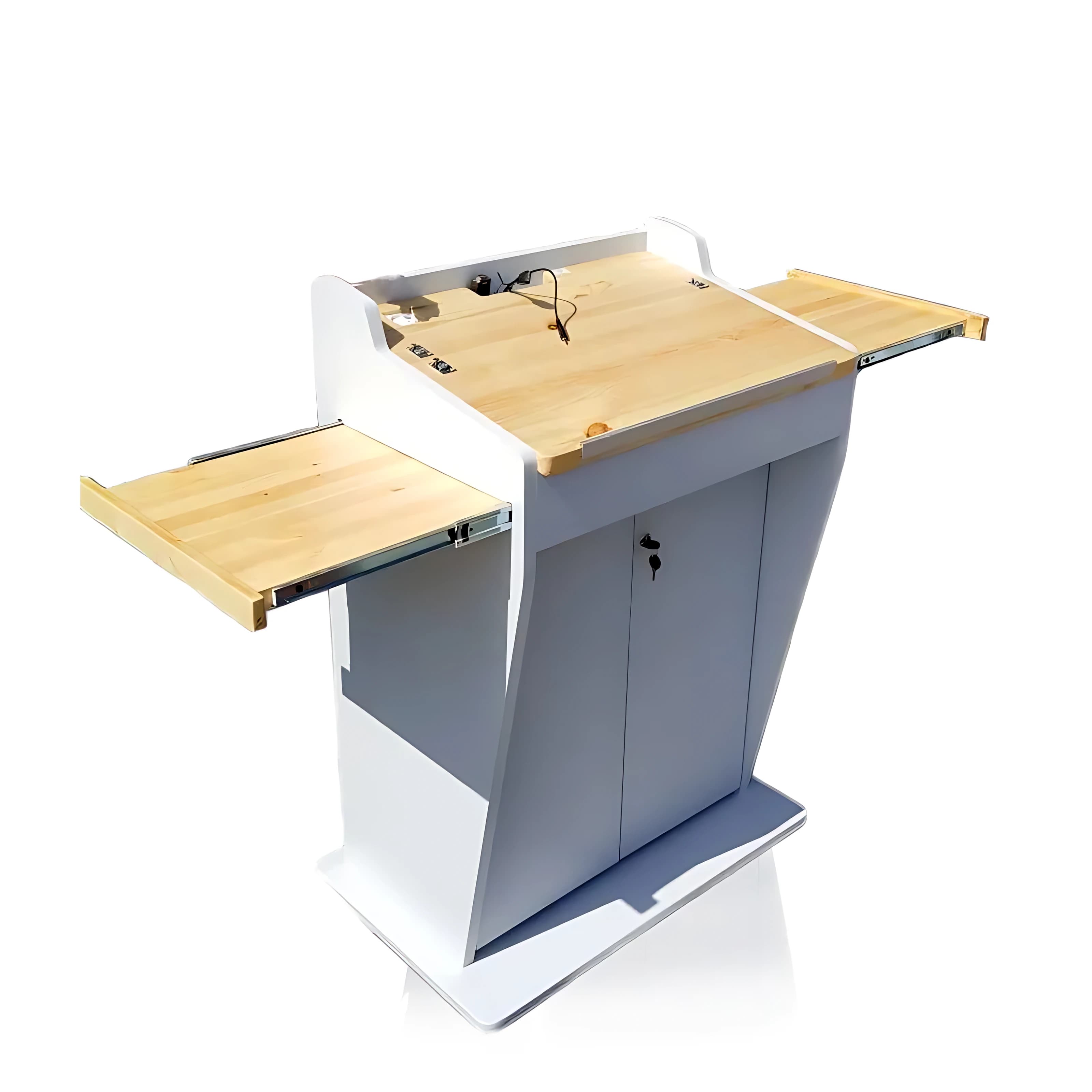
Flexible learning is supported when the room can move between explanation, demonstration and group activity without making the technology difficult to operate. The lecturer station should reduce setup friction, preserve sightlines and keep AV controls predictable across teaching modes.
Active learning changes the demands on the room
A large meta-analysis published in PNAS found better examination performance and lower failure rates in undergraduate STEM courses using active-learning approaches than in traditional lecturing. Furniture alone cannot create active learning, but it can either support or obstruct the transitions those approaches require.
When an instructor moves between presenting, demonstrating, questioning and circulating around the room, the technology should remain available without forcing every activity back to a fixed position.
The lecturer station should reduce switching costs
Every unnecessary cable change, hidden input or blocked surface adds friction. A well-planned station creates predictable locations for the primary computer, temporary guest devices, audio controls, room control and teaching materials.
The goal is not to expose every connector. It is to make common actions obvious while keeping service connections, power distribution and cable slack protected inside the body.
- Define the three to five most common teaching scenarios before selecting equipment.
- Keep temporary laptop connections visible and easy to replace.
- Use consistent control labels and provide a clear default state for the next lecturer.
Sightlines connect the instructor, audience and displays
A large front display can communicate content to the audience, but it can also create a barrier if its height or angle hides the lecturer. The instructor’s preview display must be readable without turning away from students, while audience-facing screens need to remain visible from the room’s critical seats.
Check the arrangement with real display sizes and camera positions. The same station may be used for in-room teaching, hybrid sessions and recorded lectures, each with different sightline requirements.
Prototype with scenarios, not only dimensions
Systematic workstation design combines anthropometric fit, posture, work height, working areas and visual requirements. A mock-up allows the project team to test these factors before metal is cut.
Run short scenarios: start a presentation, connect a guest laptop, switch to a document camera, take a question, adjust the microphone and return the room to its default state. The observations become design inputs for the final station and the room-control interface.
Research and standards consulted
This article connects learning research with workstation and AV design. It does not claim that furniture alone improves learning outcomes; pedagogy, acoustics, lighting, technology and support all contribute.
- 1.Active learning increases student performance in science, engineering, and mathematicsProceedings of the National Academy of Sciences, 2014
- 2.ISO 9241-5:2024 — Workstation layout and postural requirementsInternational Organization for Standardization
- 3.Industrial workstation design: a systematic ergonomics approachApplied Ergonomics, 1996